


Bubble Tiles 1.8
Choose an image or drop one onto the preview, then drag it in the tile and use Zoom to crop it.
Bubble Tiles works best on a desktop or laptop computer. You can continue on this phone or tablet, but some tools and precise tile movements may be easier with a larger screen, mouse, and keyboard.
Enter a whole number from 3 to 120.
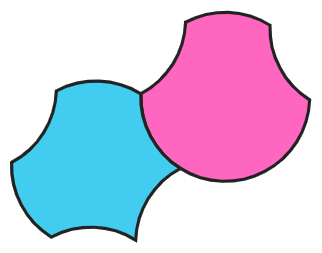
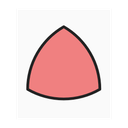
Bubble tiles are curved-edge tiles made from circular arcs. Start with a regular polygon, then let each side bow outward or inward to create “bites” that fit together in surprisingly rich ways.
This app is an experimental companion for exploring bubble-tile geometry: build patches, snap compatible edges, group supertiles, and look for periodic, nonperiodic, and aesthetically interesting tilings.
Created by John Chase. Researchers, teachers, students, or makers doing work with bubble tiles are warmly invited to reach out: john.chase@mcpsmd.net.
Open the public app at johnrchase.github.io/bubble-tiles.
View the source code and project repository at github.com/johnrchase/bubble-tiles.
Read the current working draft, Puzzle Pieces and Bubble Tiles, by John Chase, Will Field, and Alex McCluer.
Share feedback through the Bubble Tiles feedback survey.
Physical bubble-tile materials and outreach inspiration are credited to Lauren Siegel and MathHappens Foundation. Visit MathHappens.org.
AI disclosure: ChatGPT 5.5 was used as a development assistant for this prototype. The mathematical ideas, research direction, and final editorial decisions remain John Chase’s responsibility.
Bubble Tiles 1.8.1
Version 1.8.1 adds interactive, directly linkable Paper Figures; expands and relabels the Rhombic family with corrected colors and chiral partners; and makes H/V reflections switch the identities and default colors of the Hexagonal and Rhombic chiral pairs, including edge-preserving Arc-Dual results.
Bubble Tiles 1.8
Version 1.8 adds customizable tile vertices with optional unit-interval decomposition and a style-preserving Decompose tool. It also improves periodic lattice coverage, keeps toolbar popovers accessible in narrow windows, adds a 4:1 picture-export proportion, refines style controls, makes new canvas backgrounds pure white, and expands the periodic examples.
Bubble Tiles 1.7
Version 1.7 corrects the H3B/H3C identities and colors; improves complex lattice rendering near source motifs; adds tile-family and tray-tab hover guidance; organizes the expanded Examples gallery into collapsible thematic sections; and adds four periodic examples.
Bubble Tiles 1.6.1
Version 1.6.1 combines lattice creation and editing in Tiling Fill, prevents duplicate lattices for the same source set, restores reliable donut previews and picture exports, adds the Bubble Bubble Tiles example, supports mouse-wheel image resizing, limits frames to solid-color fills, and includes Soft Tiles in bite-and-bump totals.
Bubble Tiles 1.6
Version 1.6 adds a live bite-and-bump count; editable lattice vectors; custom image fills with upload, paste, drag-and-drop, paginated Openverse search, positioning, and cropping; styled text clipped inside tiles; a new image-filled example; corrected view-scaling canvas borders; and a more visual, staged Explore tutorial.
Bubble Tiles 1.5
Version 1.5 adds an expanded hands-on Explore tutorial; default drag-box selection; transformable pasted images; subdivision-aware snapping; faster, layer-preserving lattice fills and lattice-aware picture export; grouped Format Painter targets; refined shared borders and frames; marked Penrose tiles and new unit-edged polygons; recent JSON reopening; a compact example gallery; and double-click access to Reverse One Arc.
Bubble Tiles 1.4
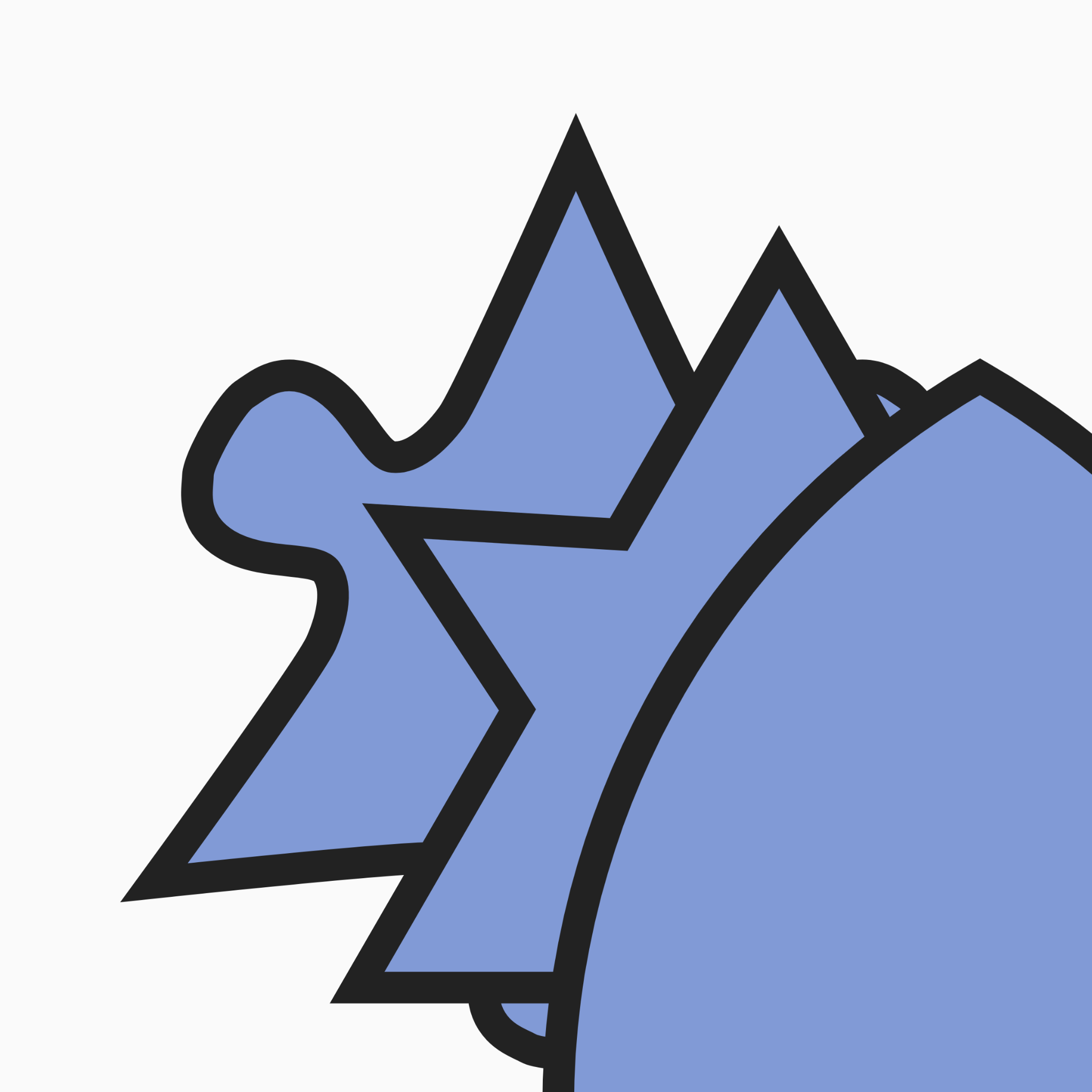
Version 1.4 adds an interactive Explore tutorial for finite and infinite tilings; live Scale controls; Format Painter; improved snapping, shared borders, Arc Dual behavior, and style controls; Tile(1,1) and the Stegosaurus Spectre with sourced background notes; Rhombic and Trapezoidal tile families; view-preserving JSON layouts; more reliable image export; and a substantially expanded example gallery featuring bubble, puzzle, soft-tile, Penrose, and image-filled tilings.
Bubble Tiles 1.3
Version 1.3 begins the next geometry refinement cycle: a corrected 8-tile Pentagonal family with updated labels, colors, tray entries, and Add All layout; compact Four-sided Add All placement; restored chiral context hints for Four-sided and Five-sided families; snap previews that preserve active Bubble Style outlines; a refined Frames tray with One-of-each, Small, Large, Small flower, Large flower, and Wide flower frames; frame-thumbnail tray icons; frame sockets for snapping; a Wide flower challenge hint; updated guided tutorial wording for all four Bubble Styles including Square Tooth; and additional example layouts including the arc-style Squiggle Octagon lattice.
Bubble Tiles 1.2
Version 1.2 is a major geometry and interface upgrade: new bubble and other tile families, a new five-sided trapezoid-based bubble family, soft tiles, Penrose rhombs, Pac-Man and Squiggle shapes, restored Hat/Turtle/Spectre monotiles as polygon-only tiles, the n-gon tool, JSON drag-and-drop import, improved snapping and overlap checking, H/V flip tools, cleaner right-aligned menu shortcuts, Arc Dual, one-arc reverse editing, Bubble Style profiles including puzzle, spike, and compact rectangular square-tooth edges, restored ordered soft-tile tray plus slightly expanded soft-tile add-all spacing, refreshed icons, export fixes, snap previews that reflect active Bubble Style profiles, improved examples including Heesch Number 1, protected compact Spike and Square Tooth geometry, a square browser-tab favicon, and more consistent Help/Tutorial coverage.
Bubble Tiles 1.1
Version 1.1 added preview-only Fill and Outline style popovers with hover tooltips, image/texture fills, export fixes for food and texture fills, cleaner border handling, refined cloud/marble/wood textures, and example tilings.
Bubble Tiles 1.0
The first full public-facing version of the Bubble Tiles app: tile tray, snapping, grouping, lattice fill, examples, export, style controls, share links, and guided help. Feedback is warmly welcome.
The Explore tour is recommended.
What should happen to your tutorial canvas?
3/2, sqrt(2)/2, or (1+sqrt(5))/2, then press Enter or leave the field. Expressions support parentheses, +, -, *, /, ^, and sqrt(); invalid expressions show a warning. Multiple tiles scale around the selection center. Transform → Reset Scale returns each selected tile to 1×. Snapping uses effective scaled edge lengths and recognizes whole-number subdivisions of compatible longer edges; Format Painter does not copy scale. When a complete lattice source motif is scaled together, its translation vectors scale with it.#. When someone opens that URL, the app reconstructs the layout. This works best from the hosted GitHub Pages version; very large layouts may make links too long. If the canvas contains pasted images or custom image fills, the app warns that their complete data will be embedded in the URL and recommends Export JSON before allowing you to copy the link anyway.Drag a rectangle on the preview to choose the export area. Then choose SVG, PNG, JPG, or PDF/print.